Spotting scams and phishing at work: free online awareness course for New Zealand workers
How scams reach workers, how to check a message, payment or call by another channel, and what to do straight after a mistake, without shame.
About 38 min
5 short modules
15 questions
80% to pass
About this course
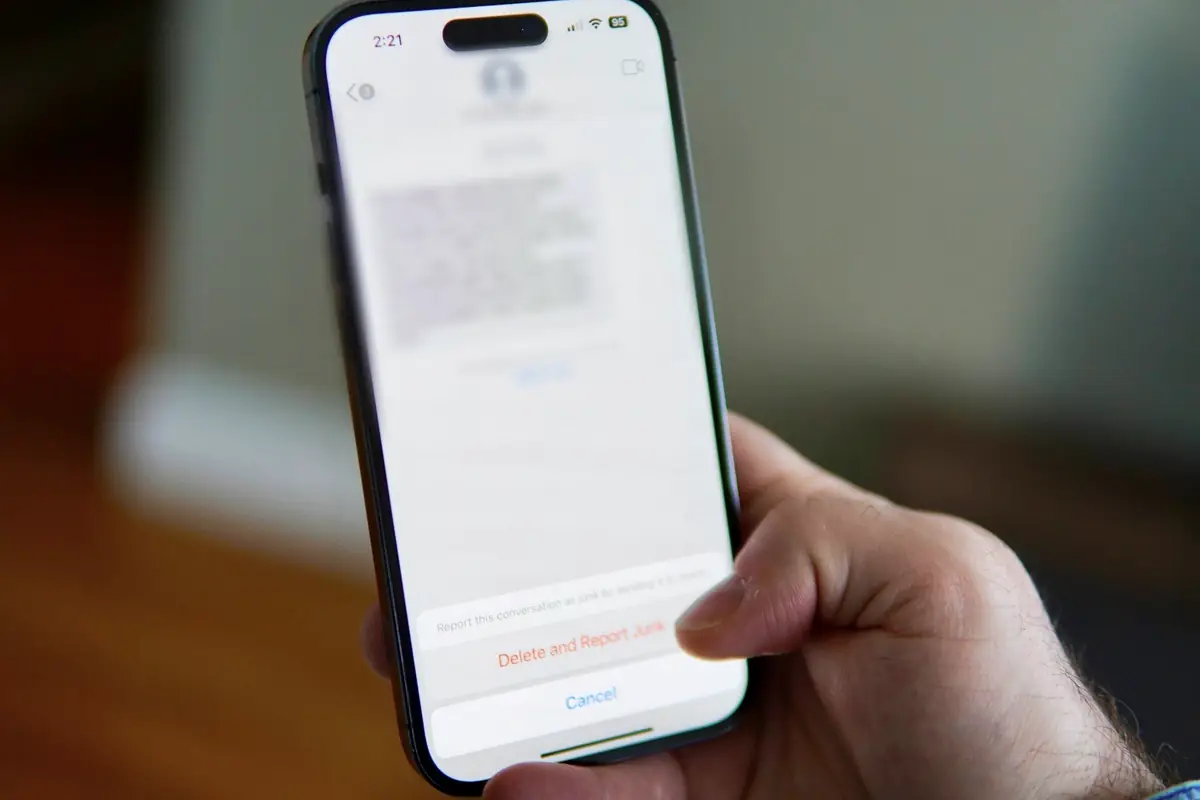
A text from 'the boss' asking for gift cards. A supplier with new bank details. A caller from 'IT' who wants you to read out a code. Scams reach workers in ordinary moments, when you are busy and trying to help. This course shows how they work, how to check, and what to do if you have already clicked, paid or typed something in.
If something has just gone wrong, deal with that first: tell someone at work, and ring your bank if money or card details are involved. The last lesson sets out every step.
You can study and sit the assessment free, with no account. Own Your Online and Netsafe also publish free material, linked on this page, and you may prefer it. Pay only if you pass and want our certificate.
What you will learn
Recognise the warning signs of phishing emails, texts and QR codes
Check a sender, a link and a login page before you act on them
Confirm changed bank details and urgent requests by another channel
Respond safely to a fake support call and to a scam aimed at a client in your care
Act straight after a mistake: tell someone, contact the bank and report to the right place
Who this course is for
Office, reception and payroll staff who handle email, invoices and payments
Café, bar and hotel workers who take bookings, payments and calls
Caregivers and support workers, including those who visit clients at home
Team leaders who want their staff to report problems quickly
How the course works
1. How scams reach you at workWhat scams and phishing are, why careful people get caught, the warning signs, and a four-step habit to use every time.About 5 min, ending with a quick check
2. Emails, links, login pages and QR codesQuick checks for a sender, a link, a login page, an attachment and a QR code before you act.About 5 min, ending with a quick check
3. Fake invoices, changed bank details and fake bossesHow payment fraud works, how to check by another channel, and what to do when 'the boss' wants gift cards.About 5 min, ending with a quick check
4. Fake support calls and scams aimed at your clientsWhat to do when a caller wants access to a device, and how to help a client who is being targeted.About 5 min, ending with a quick check
5. What to do straight after a mistakeTelling someone fast, contacting the bank, securing accounts, keeping evidence and reporting, without shame.About 6 min, ending with a quick check
Sit the assessment15 questions drawn at random. You need 80% to pass, and there is no time limit. If you do not pass, you will see which topics to review, then try again with a new set of questions.Free, and so are retries
If you pass, the certificate is your choiceYou pay once, then get the PDF straight away and a copy by email. Your place is saved on this device the whole way, with no sign-up.NZ$24.90, optional
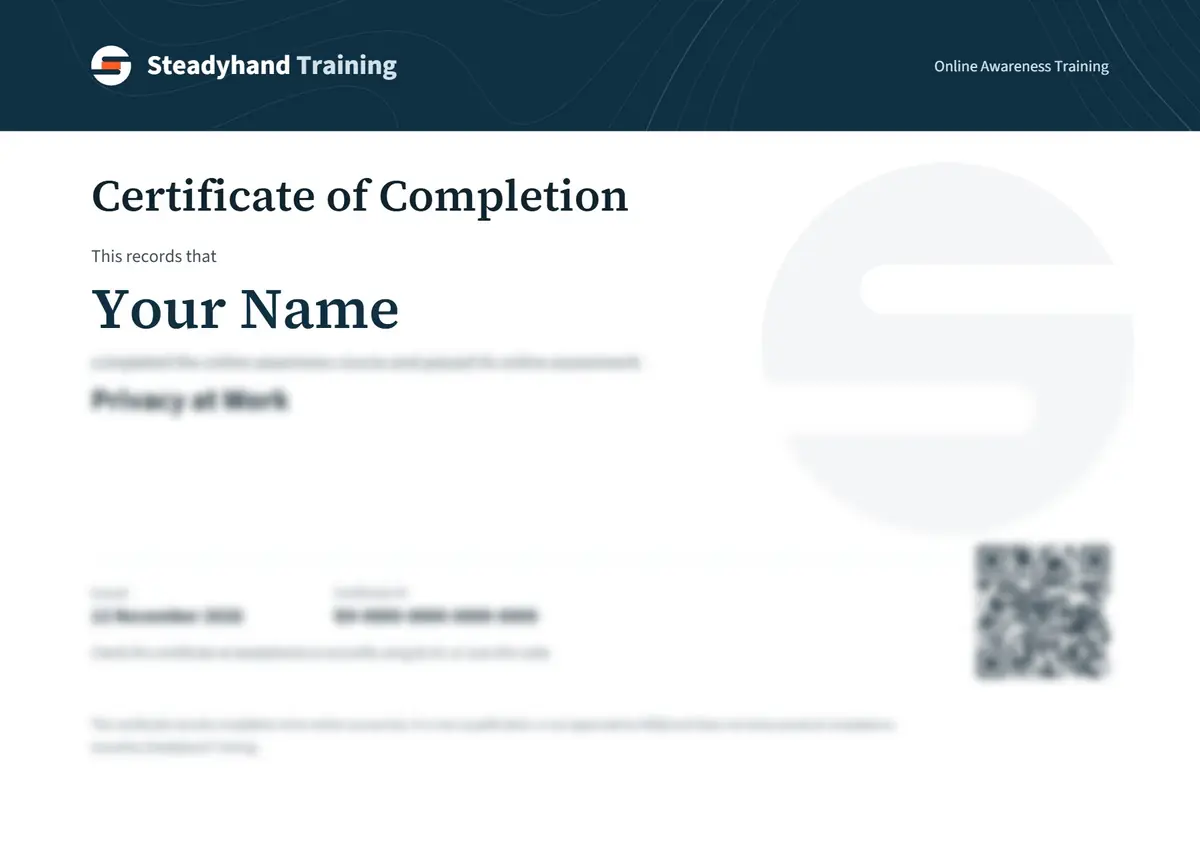
Sample. Yours shows your name, the course, the date and an ID anyone can check.
What this certificate does and does not show
This is general awareness of common scams. It is not legal or financial advice, and it cannot promise that you will spot every scam or get money back.
It does not make your workplace secure and it does not replace your workplace's rules. If they differ from this course, follow them and ask your manager.
It does not teach safeguarding. If you are worried that someone is being harmed or financially abused, follow your organisation's process and use the support services named in the lessons.
If you go straight to the assessment without completing the modules, your certificate is titled Certificate of Knowledge Assessment, because that is what it records.
I think I have just been scammed. Should I do this course first?
No. Act first. Stop contact, tell someone at work, ring your bank if money or card details are involved, then report it. Own Your Online's Get help now page takes you through it by situation. Come back to the course later.
How is this different from Own Your Online and Netsafe?
They are the people to go to for help with a scam, and their material is free, so it is a good choice on its own. We are independent of them. This course is written around what workers meet on shift, puts the steps in order and tests them, and offers an optional paid certificate that anyone can check on our verification page.
Could I get in trouble at work for falling for a scam?
We cannot promise how your employer will respond, but telling someone fast gives everyone the best chance of limiting the harm. Employment New Zealand says an employer considering disciplinary action must follow a careful, fair and thorough process, and that informal action can suit a one-off matter. It also says an employer can generally only take money from your pay if the law requires it, you agreed in writing, or in some cases you were overpaid, and that a deduction must not be a punishment for poor performance. If you are worried, ask your union or Employment New Zealand on 0800 20 90 20.
Will the bank get my money back?
Not always, so do not count on it. Own Your Online says a bank can try to reverse a payment, and Consumer Protection says the sooner the bank knows, the better the chance. It also says money sent overseas is very difficult to get back. Ring the bank as soon as you know, and report it even if the money has gone.
Who do I report to if I am not sure?
Tell your workplace first, then go to NCSC. Its reporting tool is for individuals and small to medium businesses, and with your consent it can refer you on. Forward scam texts to 7726. If someone is in immediate danger or a crime is being committed, call 111.
Will my employer accept the certificate?
Ask them first. Each employer decides what training it accepts, and some may prefer their own or Own Your Online's free material. This is awareness training, not a qualification. You can study and sit the assessment free before deciding whether to buy anything.
Official sources behind this course
The lessons are original summaries of these sources. For your own situation, the source is what counts.
Show all 45 sources
Who we are National Cyber Security Centre. Checked 2026-11-03.
Contact us Employment New Zealand. Checked 2026-11-03.
Version 1.0.0, last checked 2026-11-03. Approved for publication by our editor on 2026-11-09. Not reviewed by an external professional. How we check our content.
Everyday cyber security for people who are not IT staff: passwords, two-step verification, updates, devices, Wi-Fi, file sharing, backups, AI tools and reporting.